
How I Decide Which Blog Posts to Write (And Why I Stopped Guessing)
For a long time, I wrote blog posts the way most people do. I would think of something that seemed useful, sit down and write it, publish it, and then wonder why it wasn't bringing anyone to my site.
The content wasn't bad. The topics were relevant. But I was essentially throwing things at the wall and hoping something would stick, and that's not a strategy. That's just busy work.
What I eventually realized is that there's a difference between writing content that feels useful to you and writing content that people are actually searching for. The second one is what brings in traffic. And if you're a freelancer trying to build visibility through your blog, traffic is the point.
Here's how I approach it now.
Start With What Your Clients Actually Search For
The most useful shift I made was to stop thinking about what I wanted to write and start thinking about what my ideal clients are typing into Google.
If someone is considering hiring a web designer, what questions are they asking before they reach that decision? What do they want to understand before they commit? What problems are they trying to solve right now?
Those questions are blog posts. Not vague thought leadership, not repurposed content from someone else's newsletter. Actual answers to actual questions that the people you want to work with are already looking for.
The tricky part is figuring out exactly how those questions are being phrased and whether enough people are searching for them to make it worth writing about.
Check Whether Anyone Is Actually Searching for the Topic
This is where a lot of freelancers skip a step. You might have a great idea for a post, but if no one is typing that phrase into a search engine, it's not going to bring you traffic no matter how well it's written.
Before I write anything now, I check the search data. I want to know whether there's actual search volume for the topic, what related terms people use, and whether the competition for that keyword is realistic for a site at my stage.
That last part matters more than most people realise. A topic can have a huge search volume but be completely dominated by big publications and established sites. If you're a solo designer with a relatively new blog, trying to rank for something that massive brands are already owning isn't a great use of your time. Finding the topics where there's real interest but a bit less competition is where smaller sites can actually show up.
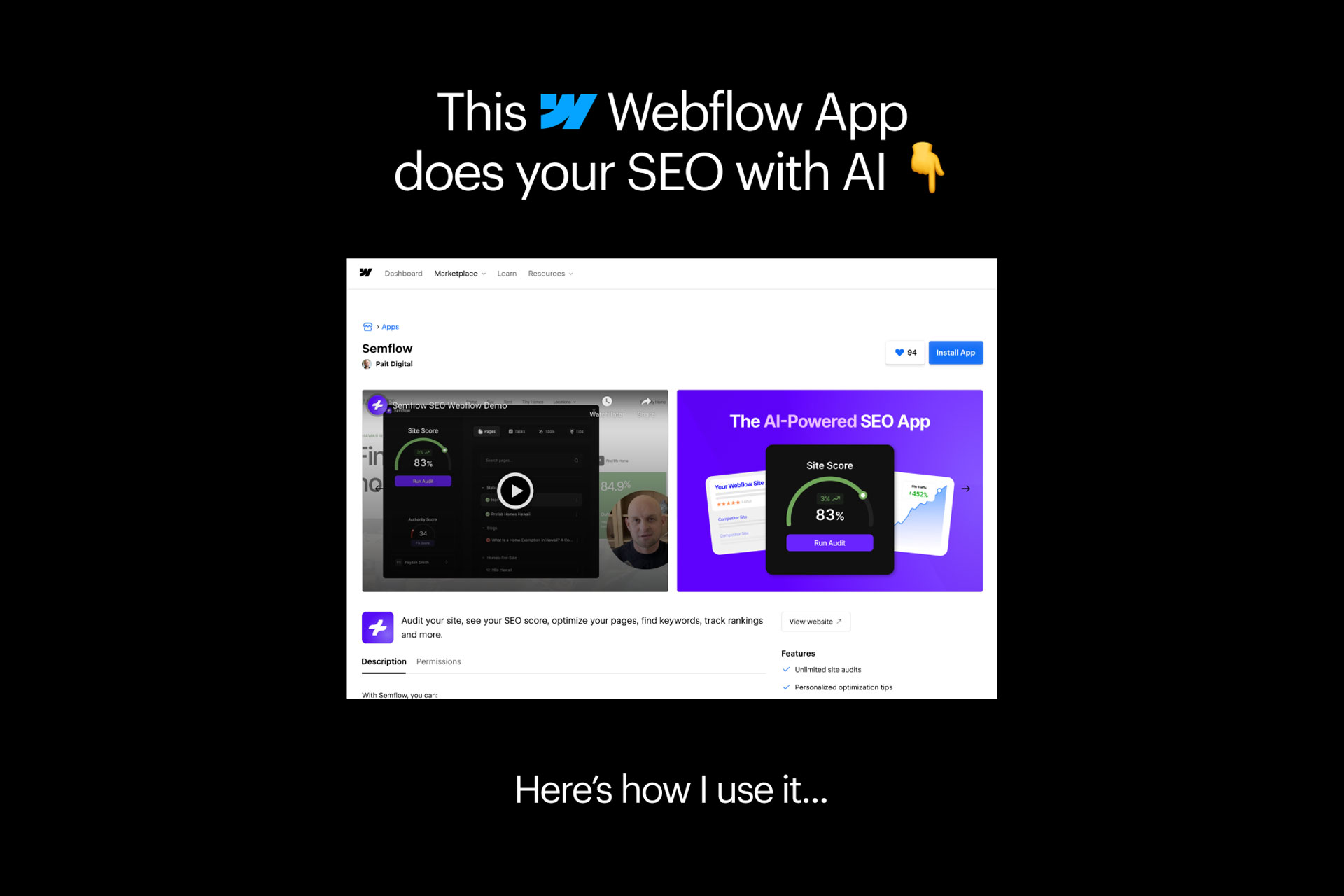
The tool I use for this is Semflow. It shows me keyword data, tracks how my existing posts are ranking, and helps me spot gaps where I could realistically get some visibility. It's designed for smaller businesses and independents rather than enterprise marketing teams, which is exactly what I needed.
Look at What's Already Working
Once you have a few posts published, one of the most useful things you can do is look at which ones are actually getting found.
If a particular post is picking up traffic, there's a good chance that topic or keyword has legs. You can write more content in that area, link your newer posts back to it, and build what's sometimes called a content cluster around a topic you already know resonates.
On the flip side, if something you put a lot of effort into isn't getting any traction after a few months, that's worth knowing too. Sometimes a small tweak to the title or the way the topic is framed can make a significant difference. Other times it's a signal to move on and focus your energy somewhere else.
Tracking this used to feel like something that required a full analytics setup I didn't have time to manage. Now I check it in Semflow and it takes a few minutes. I can see which posts are ranking, where they're showing up in search results, and what's moved since I last checked.
Think About the Full Journey, Not Just One Post
A blog post doesn't exist in isolation. Every post is a potential entry point to your website, and ideally it leads somewhere useful once a reader arrives.
When I'm planning content, I think about where that reader is in their journey. Are they just starting to realise they need a web designer? Are they comparing options and trying to make a decision? Are they already pretty clear on what they want and just looking for the right person?
Different posts serve different stages, and if you can connect them to each other naturally through internal links, you give readers a reason to keep reading and a clearer path toward working with you. My post on what to say on every page of your website is a good example of content that sits early in that journey, when someone is still figuring out what their site actually needs to communicate.
The Practical Version of This
If you're a freelancer who wants to start blogging more intentionally, here's the simplified version of what I do.
Pick a topic your ideal client cares about. Before you write anything, check whether people are actually searching for it and how it's phrased. Write the post in a way that genuinely answers the question rather than just touching on it. Link to other relevant posts and pages on your site. Then track whether it starts to get found over the following weeks and months.
That's it. It's not a complicated process, but it's a much better use of your time than writing posts nobody is looking for.
If you're looking for a tool that makes the keyword research and tracking side of this manageable without turning into a second job, Semflow is what I would point you toward. It's what I use, and it fits the way a solo operator actually works.
And if SEO and blogging are things you want to build into your website from the start rather than bolt on later, take a look at my services or get in touch. It's something I think about with every site I build.
View other interesting posts




If your expertise has outgrown your online presence, let's talk.
A short call — no pitch, no pressure. I will ask about your work and tell you honestly whether I think I can help.
